



Choosing a Forex Trading App: A Price-Action Guide
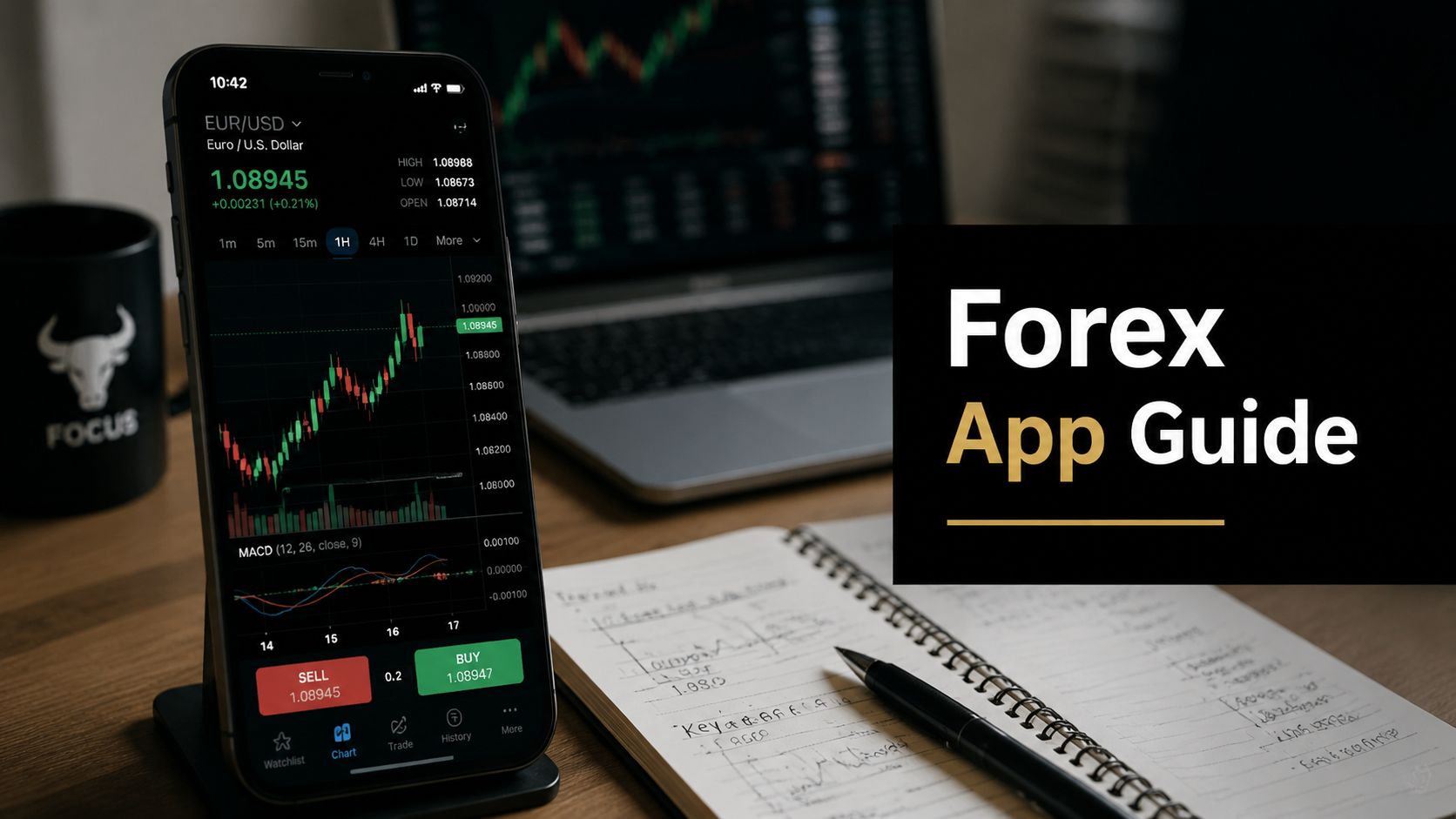
You've probably done what most new traders do. You opened the app store, typed in “forex trading app,” and got hit with a wall of screenshots showing glowing charts, buy and sell buttons, and promises of smarter trading. Every app looks fast. Every app says it's built for beginners. Every app seems to imply that the missing piece in your trading is better software.
That's the wrong starting point.
A trading app doesn't fix poor judgment, weak risk control, or a strategy built on noise. It can, however, make good trading easier or bad trading faster. That distinction matters. If you trade price action, the app you choose should help you read clean market structure, mark levels quickly, manage risk properly, and stay out of your own way.
This market is huge. Forex trading apps sit on top of a market averaging about $7.5 trillion in daily turnover globally, with the U.S. dollar involved in 88.5% of daily trades, which is why most platforms center major USD pairs and quick access to liquid instruments, as noted in Moneyzine's forex trading statistics. That scale is exactly why a cluttered interface or slow order process isn't a minor annoyance. It can interfere with execution.
Starting Your Journey with the Right Tools
Most beginners ask, “What's the best forex trading app?” A better question is, “What app fits the way I trade?”
If your method is based on clean price action, you don't need an app stuffed with distractions. You need one that lets you pull up EUR/USD or GBP/USD, mark support and resistance, switch timeframe, set an alert, and place an order without hunting through menus. Good tools reduce friction. Bad ones create hesitation at the exact moment you need clarity.
Start with the job the app must do
Think of the app as a work tool. A carpenter doesn't buy every tool on the shelf. He buys the one that matches the task. Trading works the same way.
For a novice trader, the first filter is simple:
- Analysis first: Can you read the chart cleanly without being drowned in indicators?
- Execution second: Can you place, modify, and close orders fast and accurately?
- Risk control always: Can you set stop-loss and take-profit levels without confusion?
If an app fails any of those three, move on.
Practical rule: The right app should feel boring after a week. If it still feels flashy, confusing, or addictive, it's probably built to stimulate activity more than disciplined execution.
Ignore the marketing language
Words like “AI insights,” “social sentiment,” and “advanced trader dashboard” sound impressive. Most of the time, they don't improve a clean chart read. New traders often confuse feature volume with trading edge. They aren't the same thing.
A sound forex trading app supports your process. It doesn't try to replace it. If your trading plan says wait for price to reach a level, reject it, and confirm on a lower timeframe, the app should help you do exactly that. No extra noise. No rabbit holes. No friction.
Understanding the Main Types of Forex Apps
Not all apps solve the same problem. Broadly, most forex trading app options fall into three groups. If you don't understand that upfront, you'll compare the wrong tools and waste time.
Broker apps
A broker app is the direct storefront. You open an account with the broker, fund it there, and trade through its own mobile platform.
This setup often gives you the smoothest account integration. Deposits, withdrawals, watchlists, order history, and support all live in one place. If a broker has built the app well, the experience feels tighter than using a generic platform.
The trade-off is portability. If you leave that broker, you leave the app ecosystem too.
Platform clients
A platform client is the universal operating layer. Think of apps like MetaTrader or other platform-based mobile terminals that different brokers plug into. The interface is more standardized, which many traders like because they can switch brokers without relearning every button.
The weakness is that standardized apps can feel less customized. Some broker-specific tools, research modules, or account functions may work better in the broker's own app than in the third-party client.
If you want a broader comparison of platform choices beyond mobile alone, Colibri Trader's overview of forex trading platforms is useful because it frames platforms as working environments, not just feature lists.
Social and copy trading apps
A social or copy trading app is different again. The core idea isn't independent execution. It's following, copying, or reacting to other traders.
That can look attractive to a beginner because it reduces decision pressure. It also creates a dangerous habit. You stop learning to read price and start chasing personalities, streaks, and crowd behavior.
A lot of traders also benefit from reading outside their broker ecosystem. For broader context on how people break down setups and market conditions, curated market analysis articles can be more useful than app-based social feeds because they encourage observation rather than blind copying.
Forex trading app types compared
| App Type | Primary Function | Best For | Key Consideration |
|---|---|---|---|
| Broker app | Direct trading with one broker | Traders who want seamless account integration | Less portable if you change brokers |
| Platform client | Standardized trading interface across brokers | Traders who value familiarity and flexibility | May feel less tailored to one broker's tools |
| Social or copy trading app | Following or copying other traders | Users who want passive exposure or ideas | Can weaken independent analysis |
A clean trading method usually pairs best with either a strong broker app or a solid platform client. Copy features tend to pull attention away from the chart and toward other people's decisions.
Core Features for Clean Price-Action Trading
Most app reviews obsess over indicator counts. For a price-action trader, that's usually the wrong metric. The question isn't how much the app can show you. The question is whether it helps you see price clearly and act without delay.

What actually matters on the chart
A strong charting app gives you space. Candles should be easy to read. Drawing tools should be quick to access. Timeframe switching should be immediate. If it takes too many taps to mark a level or remove clutter, the app is fighting your method.
Apps powered by TradingView often get this part right. As FXEmpire's mobile app review notes, some top apps offer 80+ technical indicators, advanced drawing tools, synchronized watchlists, and one-click trading. For a price-action trader, the value isn't the indicator count itself. It's the compressed workflow from analysis to execution. You can spot a level, confirm on another timeframe, and place the trade quickly.
The must-haves for a clean workflow
Here's what I'd treat as essential:
- Clear chart display: Candles, wicks, and structure must be readable without visual overload.
- Basic drawing tools: Horizontal lines, trend lines, and simple measurement tools matter more than exotic overlays.
- Multiple timeframes: You need to move from higher-timeframe context to lower-timeframe entry without friction.
- Fast order entry: If the app makes trade placement awkward, you'll hesitate or make mistakes.
- Alert support: Price alerts keep you from staring at the screen and forcing trades.
- Stable watchlists: You should be able to track the same pairs consistently across sessions.
Order handling matters more than novelty
New traders often underestimate order management. They focus on entries and ignore what the app feels like once they're in a live position. That's backwards.
Before you trust a forex trading app with real money, test these actions in demo:
- Place a market order
- Set a stop-loss
- Set a take-profit
- Modify both levels
- Partially close or fully close the trade
- Cancel a pending order
If any of that feels awkward in a calm demo environment, it'll feel worse under pressure.
The best app for price action is usually the one that shows less and executes better.
Demo account is part of the feature set
A demo isn't a side feature. It's where you find out if the app supports your actual trading plan. Don't just use demo to test strategy ideas. Use it to test your mechanics. Can you react cleanly? Can you place the right order without second-guessing the interface? Can you adjust stops fast enough when the market moves?
That's what separates a nice-looking app from a useful one.
Trading on the Go The Mobile vs Desktop Dilemma
A mobile app is convenient. Convenience isn't the same as suitability.
The hard truth is that many traders use their phone for tasks it doesn't handle well. They try to do deep chart analysis on a small screen, jump between timeframes too quickly, and end up making lower-quality decisions because the device encourages speed over precision.

What mobile does well
Mobile trading works best when the decision has mostly been made already. You've marked your level. You know your invalidation point. You've set your alert. The app then becomes a control panel.
According to Best Brokers' review of forex trading apps, swing trading is generally compatible with mobile use, while strategies requiring precision entries like day trading or scalping are often better suited to desktop. That lines up with practical experience. Higher-timeframe trading gives you room. Lower-timeframe trading punishes rushed execution.
Use mobile for:
- Monitoring open positions
- Responding to alerts
- Closing trades if conditions change
- Checking whether price has reached a planned zone
What desktop still does better
Desktop gives you room to think. That matters more than people admit. On a larger screen, you can judge context better, compare structure across timeframes, and avoid the tunnel vision that small screens create.
There's also less chance of what traders call fat-finger execution. Small buttons, fast taps, and poor signal conditions aren't ideal when money is on the line.
A related point comes from software design itself. If you're curious why some apps feel more responsive than others, Wonderment Apps' mobile development comparison is a useful read because it explains how app architecture affects performance and user experience. Traders feel those design choices every time they zoom a chart or submit an order.
For traders who rely heavily on calendar-based context while away from their desk, tools like the Forex Factory app guide can also help frame mobile as an information companion rather than a full replacement for a desktop setup.
A practical split that works
The cleanest workflow for most traders looks like this:
| Task | Better on Mobile | Better on Desktop |
|---|---|---|
| Deep chart analysis | Yes | |
| Monitoring active trades | Yes | Yes |
| Fast reaction to alerts | Yes | |
| Multi-timeframe planning | Yes | |
| Precision entries | Sometimes, if preplanned | Yes |
| Scalping and fast management | Yes |
Here's a useful walkthrough to pair with that idea:
If your phone is making you trade more often, it's not improving your trading. It's increasing temptation.
How to Choose an App for Your Trading Style
You spot a clean level before London opens. Price reaches it later while you are away from your desk. Now the app matters. If it takes too many taps to check structure, place the order, or adjust risk, the problem is not your analysis. It is the tool.

A good trading app should support your method unobtrusively. For price-action traders, the best choice is usually the one that stays out of the way. Extra feeds, leaderboards, and flashy widgets often create more noise than edge.
Start with the method
Pick the app around the way you trade, not the other way around. Traders get into trouble when they install a platform packed with signals and then start taking setups they never planned to trade.
Ask practical questions first:
- Do I hold trades for hours, days, or weeks?
- Do I read raw price and key levels, or do I depend on a stack of indicators?
- Will I do my real analysis on desktop and use the app mainly for execution and management?
- Do I need fast access to pending orders and stop adjustments?
- Does this app tempt me to overtrade with alerts, social features, or constant prompts?
Those answers narrow the field fast.
A newer trader with a simple support and resistance approach usually does better with a clean app and a short learning curve. A more experienced trader may accept a clunkier interface if it matches an existing broker or workflow.
Keep the shortlist small
Three apps are enough for a serious comparison. More than that turns into random browsing.
A useful shortlist looks like this:
- One broker app you could fund
- One established platform client you already see often in the market
- One alternative that earns a place only if it feels cleaner in practice
If you want a wider comparison framework before you test anything, Finzer's guide to investment platforms is a solid reference point. It helps frame the decision around usability, costs, and fit instead of feature-page sales copy.
Judge friction, not feature count
This is the part many beginners miss. The app with the longest feature list is rarely the one that helps you trade a clean plan.
Score each app by how much friction it adds to your routine:
| Question | App A | App B | App C |
|---|---|---|---|
| Can I mark levels quickly? | |||
| Can I switch timeframe without losing context? | |||
| Is order entry clear under pressure? | |||
| Can I place and adjust stops with confidence? | |||
| Does the layout keep my attention on price? |
That last question matters more than traders think. If the interface keeps pulling your eye toward ideas, news blurbs, or copy-trading prompts, it is shaping your behavior. Price-action trading needs a clean visual field and a fast path from analysis to execution.
Test the app in the situation you actually trade
Do not judge an app by five minutes of casual tapping. Use a demo trading account to rehearse your execution process the same way you would in live conditions.
Mark a level. Set an alert. Wait for price to come into the zone. Place the order you would really take. Set the stop and target. Then manage it exactly as your rules require.
That test tells you more than any review page.
Choose the app that disappears
The right app becomes background equipment. You open it, check price, execute your plan, and get out. No confusion. No hunting for basic functions. No extra stimulation pushing you into trades you never planned.
If an app keeps drawing attention to itself, it is usually adding friction. For a price-action trader, that is enough reason to pass.
Your First Steps with a New Trading App
Once you've chosen an app, don't rush to fund it and start clicking around live. The first job is mechanical competence. You want the controls to become familiar before there's any pressure attached to them.
Set up the app like a trader, not a tourist
Start by trimming the environment down. Remove instruments you won't trade. Build a watchlist with the pairs you plan to follow. Clean up the chart so it matches your method.
Then test the core functions in a demo environment:
- Open and close trades
- Place pending orders
- Adjust stop-loss and take-profit
- Set alerts
- Move between timeframes
- Review trade history and open exposure
If you need a refresher on why demo work matters and how to use it properly, Colibri Trader's guide to a demo trading account is a useful companion read.
Practice the routine, not just the buttons
A lot of beginners use demo casually. They click buy, click sell, maybe drag a line around, then conclude they “know the platform.” They don't.
Practice a full sequence instead:
- Mark a daily level.
- Drop to your execution timeframe.
- Set an alert before price reaches the zone.
- Wait.
- Enter only if your plan confirms.
- Set risk immediately.
- Manage the trade according to rules, not emotion.
That rehearsal is what reduces mistakes later.
Your first live trade should not be the first time you've used any feature that matters.
Treat verification and funding as separate from trading
When you move from demo to live, take the account setup seriously. Complete identity verification carefully. Check funding methods and processing steps. Make sure you understand where balances, open positions, and pending orders are displayed inside the app.
You want the first live session to feel familiar. The market will provide enough uncertainty on its own. The app shouldn't add to it.
Common Pitfalls and How to Avoid Them
You mark a clean level, wait all morning, and then ruin the trade from your phone in under two minutes. Price starts moving fast, the app is in your pocket, and suddenly you are in a trade you never planned.
That is the risk with a forex trading app. Convenience shortens the distance between impulse and execution.
A good app helps you follow a process. A bad one distracts you. Either way, the app will not supply discipline for you.
The mistakes that keep showing up
Beginner traders tend to fall into the same patterns:
- Trading just because the app is there: Easy access turns dead time into random entries.
- Mistaking more information for better decisions: News feeds, sentiment tools, and market commentary often create noise, not clarity.
- Taking comfort from the crowd: Social features can make a weak setup feel valid because other traders are talking about it.
- Interfering with open trades: Constant checking on mobile leads to early exits, emotional stop changes, and second-guessing.
All four problems get worse when the app is built to keep you clicking instead of helping you stay selective.
For a price-action trader, the best app is usually the one that gets out of the way. Clean charts, quick order entry, clear exposure, and reliable alerts matter more than extra widgets you never needed in the first place.
Use news tools for defense, not direction
An app should include an economic calendar and live market news, but those tools are for context and risk control, not for generating trade ideas.
Price-action setups can fail fast around central bank decisions, inflation releases, or major employment data. The chart may look clean right up until the event hits. Then spreads widen, candles distort, and your neat level means much less.
Use the calendar in three practical ways:
- Stay flat before high-impact releases if your setup depends on clean structure
- Cut size if event risk changes the quality of the trade
- Avoid treating a quiet chart as stable when a scheduled catalyst is close
That is a big difference. The app should warn you about risk, not talk you into a trade.
Put guardrails outside the app
If your rules live only in your head, the app will expose that quickly.
Write down a few limits the platform cannot bend:
- Trade only at pre-defined levels.
- Set alerts and wait for price to come to you.
- Skip fast moves that were not part of the original plan.
- Review execution after the session, not while emotions are high.
- Decide in advance how stops, targets, and trade management work.
These rules sound simple. Under pressure, they are not.
That is why the right forex trading app is not the one with the longest feature list. It is the one that lets you read price clearly, place orders cleanly, and manage risk without clutter. Colibri Trader is one place traders use to keep sharpening that discipline around price action, risk management, and cleaner execution.